


Dimensional Accuracy in 3D Printing Common Issues and Professional Solutions

Bring your idea to life.
Upload your file today and get a precise manufacturing quote in less than 24 hours.
Recent Posts
In 3D printing, success is not defined by whether a part prints, but by whether it prints accurately. A component that looks correct but is off by even a fraction of a millimeter can fail during assembly, testing, or real-world use. This is why 3D printing accuracy is one of the most critical factors in professional additive manufacturing, especially when parts are intended to fit, move, or interface with other components.
Dimensional errors can appear in many forms. Features may shrink, holes may come out undersized, or surfaces may distort due to warping in 3D prints. These issues are often mistaken for random printer behavior, but in reality they are predictable outcomes of material properties, machine setup, and process control. Without a clear understanding of what affects accuracy, teams can waste significant time reprinting parts without solving the root cause.
For companies aiming for precision 3D printing, accuracy is not just a quality concern. It directly impacts cost, lead time, and reliability. Poor dimensional control leads to failed iterations, inconsistent results, and endless print quality troubleshooting that slows down development. In contrast, a controlled and calibrated process allows teams to produce repeatable, production-ready parts.
Achieving reliable accuracy requires more than adjusting a few settings. It involves understanding printer behavior, applying proper calibration techniques, and designing parts with manufacturing realities in mind. In the sections that follow, we’ll break down the most common sources of dimensional error and show how professional approaches can turn inconsistent prints into dependable results.
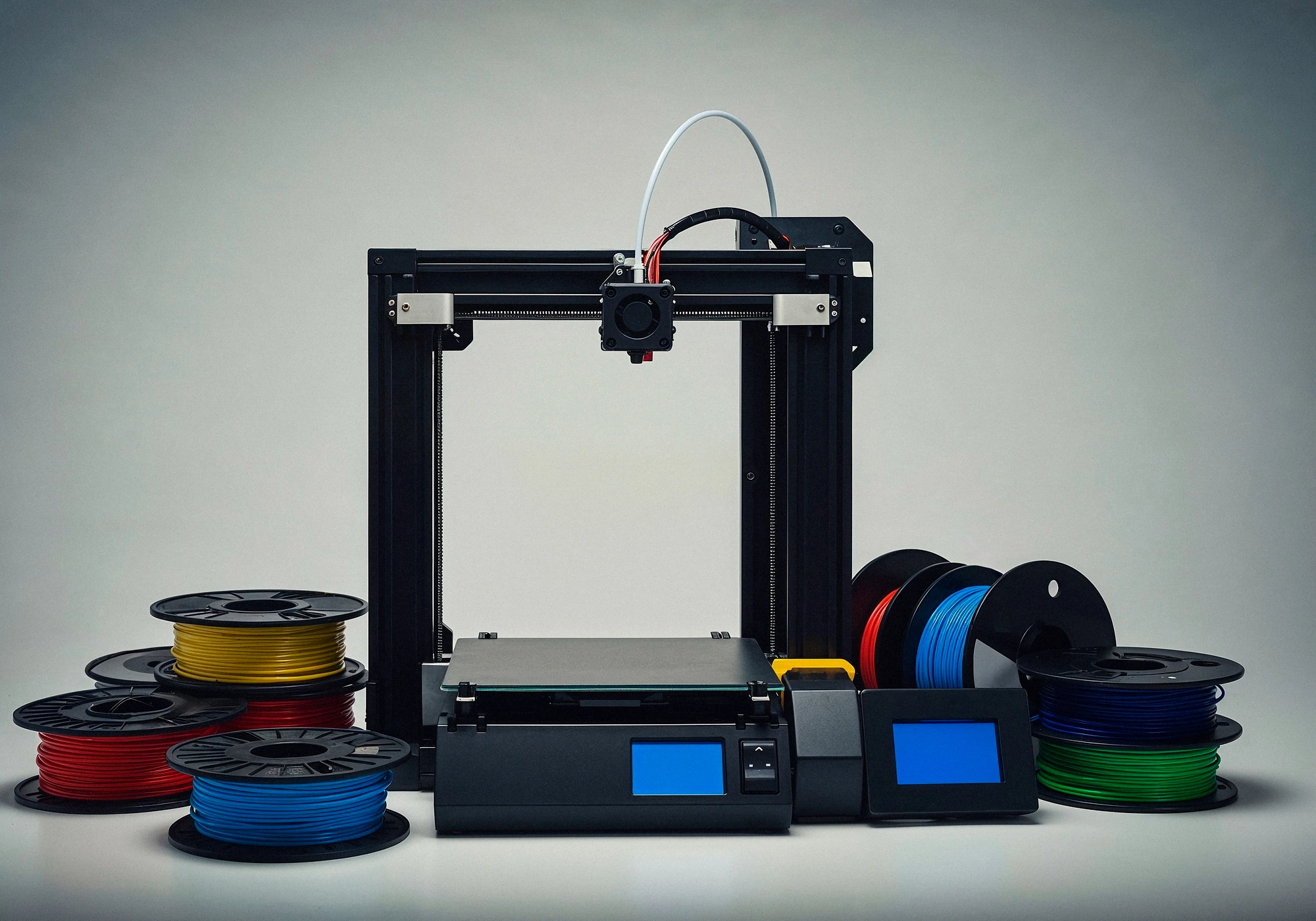
Product success depends on reducing avoidable errors and making informed decisions from the start. Most product design mistakes occur not because teams lack skill, but because they lack clarity, validation, and early testing. By incorporating structured design validation, rapid exploration through early-stage prototyping, and adopting strong product design best practices, teams can uncover problems long before they become costly obstacles.
Prototyping is not just a step in development. It is a strategic tool that accelerates learning, strengthens collaboration, and provides critical prototyping benefits that guide better decisions. When used consistently, it turns uncertainty into insight and transforms early concepts into reliable, well-designed products.
The path to smarter product development is simple: validate early, prototype often, and refine continuously. With the right approach, teams reduce risk, improve performance, and move from concept to market-ready product with greater speed and confidence.
Check our other article : Professional 3D Printing Services in Canada
What Is Dimensional Accuracy in 3D Printing?
In simple terms, dimensional accuracy in 3D printing describes how closely a printed part matches the dimensions of its original CAD model. When we talk about 3D printing accuracy, we are asking a straightforward question: did the printer produce the part at the exact size it was designed to be?
Accuracy is often confused with two related concepts: tolerance and precision. Tolerance defines how much variation is acceptable for a specific dimension. For example, a hole designed to be 10 mm wide may still be acceptable if it prints at 9.9 or 10.1 mm. Precision, on the other hand, refers to consistency. In precision 3D printing, a printer produces the same result repeatedly, even if that result is slightly off from the intended size. Ideally, a professional process delivers both accuracy and precision.
Dimensional issues usually become obvious when parts need to fit together. Shafts may not slide into bearings, enclosures may not close properly, or assemblies may require force they were never designed for. These problems often trace back to small errors introduced during printing, slicing, or setup. Factors such as material shrinkage, thermal expansion, and warping in 3D prints all influence the final size of a part.
Understanding these differences is critical for effective print quality troubleshooting. If a part is consistently too small or too large, the issue is likely related to scaling or extrusion calibration. If dimensions vary from one print to another, the problem may lie in machine stability, temperature control, or mechanical wear. This is where proper calibration techniques become essential, helping align printer behavior with design intent.
By establishing a clear understanding of accuracy, tolerance, and precision, teams can move beyond trial and error. Instead of guessing why a part doesn’t fit, they can diagnose the root cause and apply targeted adjustments that lead to reliable, repeatable results.
Common Causes of Poor 3D Printing Accuracy
When printed parts fail to match their intended dimensions, the problem is rarely random. In most cases, poor 3D printing accuracy can be traced back to a combination of material behavior, machine limitations, and environmental conditions. Understanding these factors is the first step toward effective print quality troubleshooting.
Material Behavior: How Plastics Expand, Shrink, and Deform
Material behavior plays a major role in dimensional outcomes. Thermoplastics expand when heated and contract as they cool, but not all materials behave the same way. PLA, ABS, PETG, and Nylon each have different shrinkage rates, stiffness, and sensitivity to temperature changes. If these properties aren’t accounted for, even a well-calibrated printer can produce parts that are slightly off-size.
Machine Limits: Mechanical Tolerances and Calibration Errors
Machine limits are another common source of inaccuracy. Consumer and industrial printers alike have mechanical tolerances in their frames, belts, lead screws, and motors. Backlash, uneven motion, or inconsistent extrusion can introduce small errors that add up across a part. Without proper calibration techniques, such as axis calibration and extrusion tuning, these mechanical imperfections directly reduce precision 3D printing results.
Environmental Factors: Temperature, Airflow, and Cooling Effects
Environmental factors are often overlooked, yet they have a significant impact. Drafts, ambient temperature fluctuations, and uneven cooling can cause layers to contract unpredictably. Even a small change in room temperature can affect how a material solidifies, leading to dimensional drift over time. When accuracy problems seem inconsistent from one print to the next, the environment is often the hidden variable.
Together, these factors explain why troubleshooting accuracy requires a holistic view of the entire printing process—not just slicer settings or printer hardware in isolation.
From Prototype to Production – We've Got You Covered
No matter where you are in your product journey, our team handles every step, design optimization, 3D printing, CNC machining, and finishing. Start Your Project →
Warping, Shrinkage, and Distortion: Why Prints Don’t Match the CAD
One of the most visible and frustrating accuracy issues in additive manufacturing is warping in 3D prints. Warping occurs when different parts of a print cool and contract at different rates, creating internal stresses that pull the part out of shape. As a result, corners lift, edges curl, and dimensions drift away from the original CAD model.
Shrinkage is closely related but less obvious. As printed material cools, it naturally reduces in volume. If this shrinkage is uneven—due to geometry, wall thickness variation, or inconsistent cooling—the final part may be smaller than expected or distorted in specific areas. This is why holes often print undersized and flat surfaces may no longer remain flat.
Distortion is the combined effect of thermal stress, material properties, and print orientation. Tall parts may lean slightly, thin features may deform, and assemblies that looked perfect in CAD fail to fit together in reality. These issues are not design mistakes; they are physical consequences of heat transfer and material behavior during printing.
Improving 3D printing accuracy in the presence of warping and shrinkage requires controlling temperature, managing cooling rates, and applying appropriate calibration techniques. Heated beds, enclosed build chambers, adjusted cooling strategies, and material-specific profiles all help reduce internal stress. When these measures are applied correctly, prints become far more predictable, and the gap between CAD and reality narrows significantly.
Understanding why warping and distortion happen turns frustration into control. Instead of reacting to failed prints, teams can anticipate issues and design processes that consistently deliver accurate results.
Machine Calibration and Setup Errors
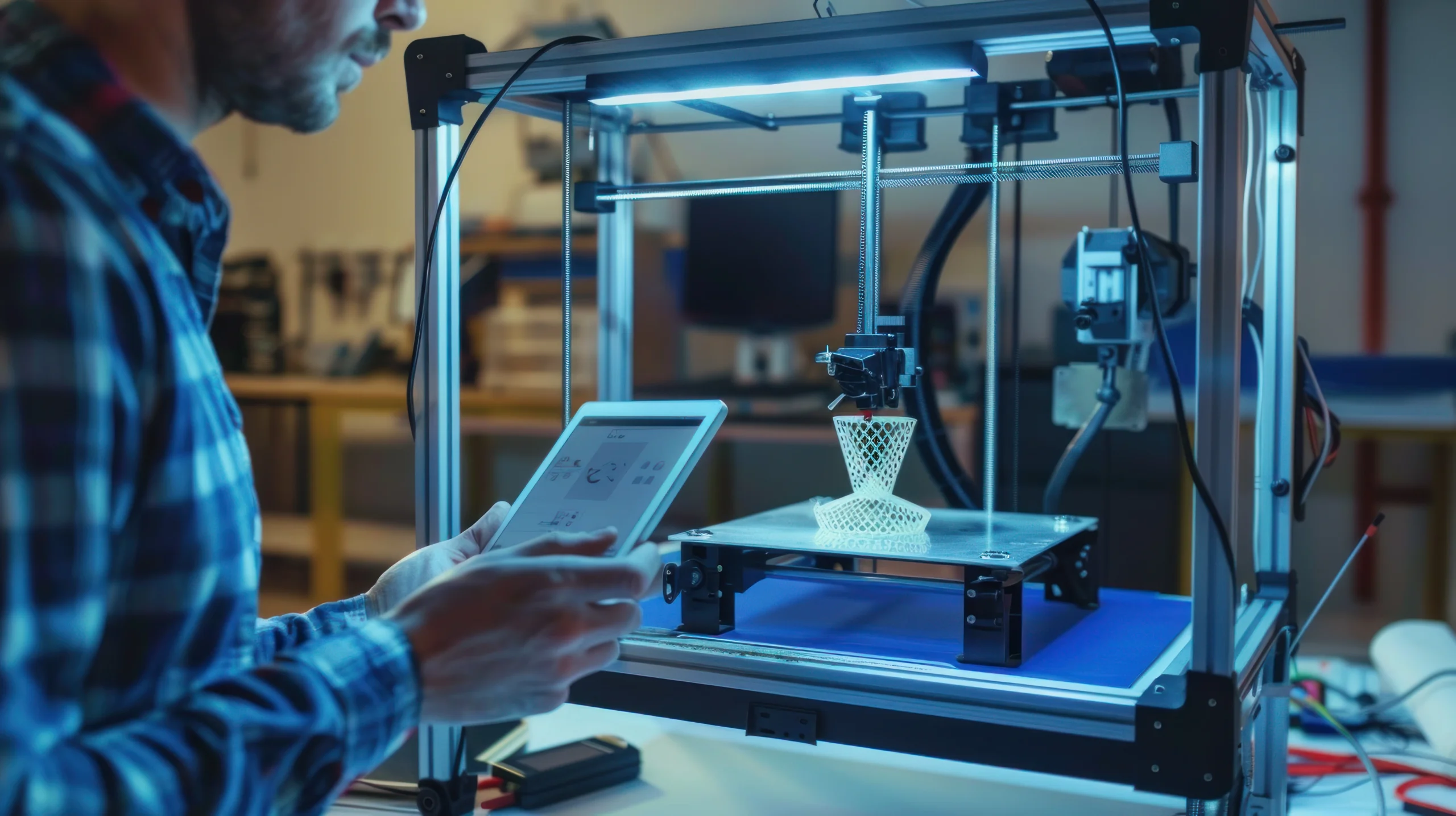
Even the best-designed model can fail if the printer itself is not properly prepared. In practice, many problems related to 3D printing accuracy come down to calibration and setup issues rather than design flaws or material limitations. This is why reliable calibration techniques are a foundation of consistent, high-quality results.
Axis calibration is one of the most critical steps. If the X, Y, or Z axes do not move the exact distance commanded by the firmware, every dimension on the part will be off. These errors are often subtle and easy to overlook, but they accumulate quickly across larger prints or assemblies. Regular axis calibration ensures that digital dimensions translate correctly into physical movement.
Bed leveling plays an equally important role. An uneven build surface leads to inconsistent first-layer adhesion, which can introduce internal stress early in the print. This often contributes to warping in 3D prints, uneven layer stacking, and dimensional drift as the print progresses. A stable, well-leveled bed creates a reliable foundation that supports both accuracy and repeatability.
Extrusion inconsistency is another common source of dimensional error. If the printer over-extrudes or under-extrudes material, walls become thicker or thinner than intended, holes shrink, and surface quality suffers. Inconsistent extrusion complicates print quality troubleshooting because the symptoms may appear randomly. Proper flow calibration, temperature tuning, and filament control are essential to achieving predictable results.
Together, these setup factors explain why calibration is not a one-time task. Maintaining high accuracy requires ongoing attention to machine behavior, especially as components wear, materials change, or print conditions shift.
Design and Slicing Factors That Affect Precision
Machine calibration alone cannot guarantee dimensional accuracy. The way a part is designed and prepared for printing has a direct impact on precision 3D printing, often determining whether a print succeeds or fails before it even begins.
In CAD design, tolerances must reflect the realities of additive manufacturing. Sharp corners, thin walls, and tight fits that look perfect on screen may not translate well into printed parts. Designing with appropriate clearance allows for material shrinkage, layer bonding variation, and minor machine deviations without compromising function.
Part orientation also plays a major role. The direction in which a model is printed affects surface finish, strength, and dimensional stability. Features printed vertically may show more variation than those printed in the plane of the build surface. Poor orientation can increase internal stress, making parts more vulnerable to distortion or warping.
Slicer settings act as the bridge between design and machine behavior. Layer height, line width, infill strategy, cooling settings, and print speed all influence how material is deposited and how it cools. Small changes in these parameters can significantly alter final dimensions. When accuracy issues appear, slicer configuration should always be reviewed as part of systematic print quality troubleshooting.
Achieving consistent precision is the result of alignment between design intent, slicing strategy, and machine capability. When these elements work together, dimensional accuracy becomes predictable rather than experimental, allowing teams to produce reliable parts with confidence.
Professional Solutions to Improve 3D Printing Accuracy
Achieving reliable 3D printing accuracy requires moving beyond guesswork and adopting a controlled, engineering-driven approach. While occasional adjustments can help, consistent results only come from addressing the full printing system, not isolated symptoms. This is where professional methods make a measurable difference.
Process control is the foundation. Stable print speeds, consistent extrusion rates, and repeatable startup procedures reduce variability from one print to the next. Documenting settings and locking down proven profiles allows teams to build predictable workflows instead of constantly re-tuning machines during print quality troubleshooting.
Material selection also plays a critical role. Different filaments behave differently under heat, load, and cooling. Choosing materials with lower shrinkage, better dimensional stability, or tighter manufacturing tolerances directly improves precision 3D printing. Equally important is controlling filament quality through proper storage and moisture management.
Environment control is often the missing link. Enclosures, controlled ambient temperature, and reduced airflow help prevent uneven cooling, which is a primary cause of warping in 3D prints. When the environment is stable, material behavior becomes more predictable and dimensional drift is significantly reduced.
Finally, iteration and measurement turn printing into a data-driven process. Printing calibration parts, measuring results, and applying targeted calibration techniques allow teams to close the gap between design intent and physical output. Each iteration should answer a specific question, reducing uncertainty instead of adding more trial runs.
Together, these practices transform accuracy from a challenge into a controllable outcome.
Your
Prototype,
Perfected
Turn early concepts into flawless, test-ready models. Our experts refine geometry, materials, and tolerances to make sure your design performs as intended.
Conclusion: From Trial-and-Error to Reliable Precision
Poor accuracy in 3D printing is rarely caused by a single mistake. It is usually the result of small, compounding factors across materials, machines, settings, and environment. Treating these issues individually leads to frustration and endless retries. Treating them as part of a unified system leads to control.
By applying structured calibration techniques, improving process discipline, and understanding material behavior, teams can move beyond reactive fixes and toward true precision 3D printing. This shift reduces waste, shortens development cycles, and builds confidence in printed parts.
Ultimately, improving 3D printing accuracy is not about finding a perfect setting. It is about adopting an engineering mindset where measurements guide decisions and consistency replaces experimentation. When that mindset takes hold, reliable results follow.